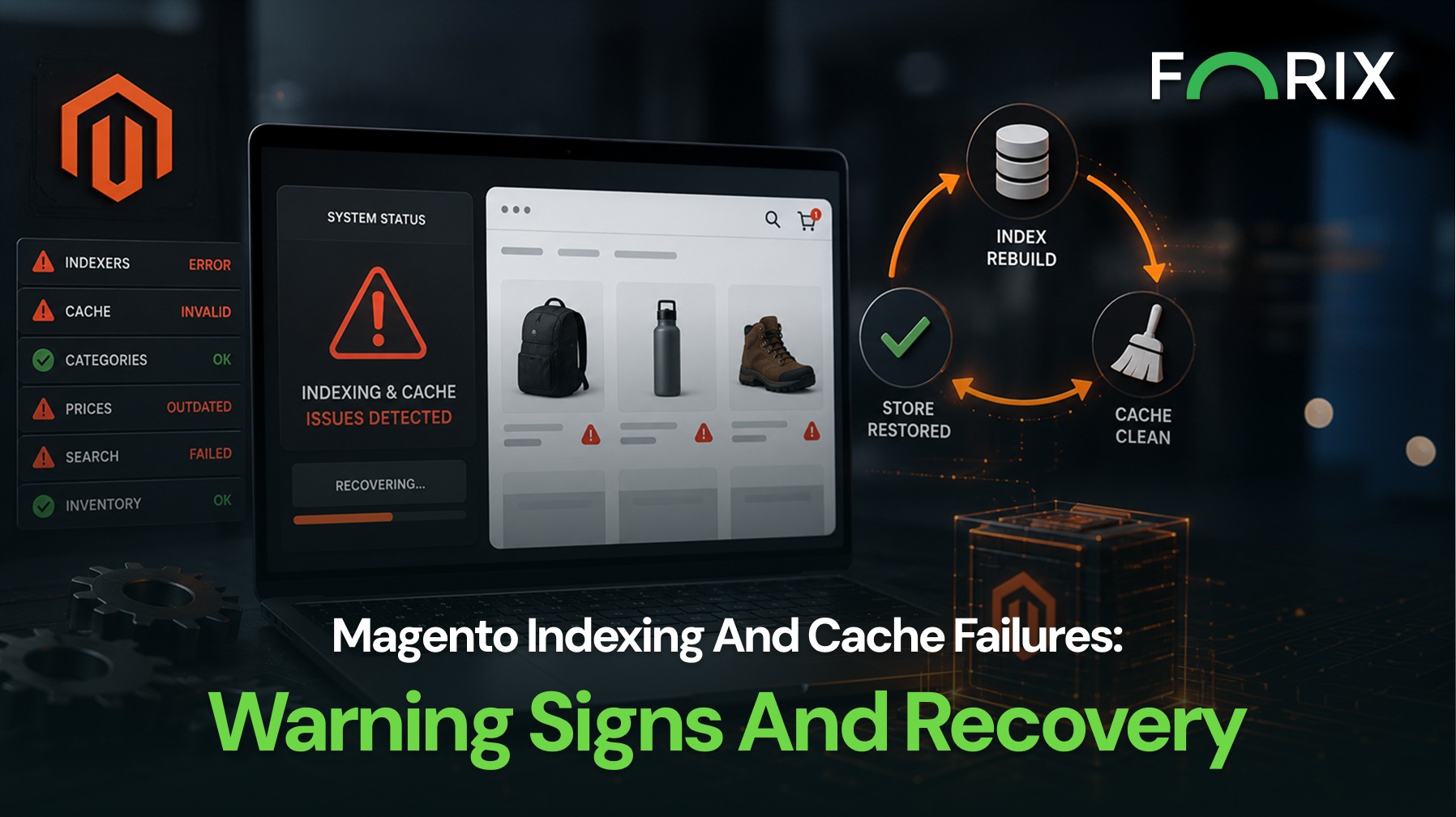
Magento stores depend on indexing and caching to keep catalog data current and storefront pages responsive. When either system falls behind, customers may see stale prices, missing products, outdated category assignments, broken search results, or slower pages.
A structured recovery process helps teams identify which system is affected, restore accurate data, and avoid unnecessary load during troubleshooting.
Explore how Forix’s Magento services help retailers diagnose failures, restore storefront accuracy, and reduce recurring risk.
Understand the Difference Between Indexing and Cache
Magento indexers transform catalog and business data into structures that can be retrieved efficiently. Product prices, category relationships, catalog rules, inventory, and search information may rely on indexers to reflect recent changes correctly.
Cache stores generated configuration, layout, page, and related data so Magento does not need to rebuild the same information for every request.
This distinction matters during recovery. Reindexing does not solve every cache issue, and flushing every cache does not repair invalid indexes.
Watch for Storefront Warning Signs
Indexing and cache problems often appear as inconsistent storefront behavior rather than a complete outage.
Common warning signs include:
Products missing from categories or search results.
Price changes appearing in Admin but not on the storefront.
Catalog rules or promotions applying inconsistently.
Inventory availability not matching recent updates.
Category counts, filters, or navigation showing stale data.
Layout or content changes failing to appear.
Performance declining after a deployment or catalog update.
Teams should document when the problem began and which products, categories, store views, or customer groups are affected.
Check Indexer, Cron, and Cache Status
Recovery should begin with status checks rather than immediately running every available command.
Teams should review which indexers are ready, processing, suspended, or marked for reindexing. They should also confirm that scheduled cron jobs are running because scheduled indexing depends on cron execution.
Cache status should be reviewed separately. An invalid cache type may need to be cleaned or refreshed, but a full cache flush is not always necessary.
The investigation should also cover recent deployments, imports, extension changes, configuration updates, and error logs.
Recover in the Safest Order
A practical recovery sequence should minimize unnecessary work:
Confirm the scope of the issue.
Check indexer status and identify affected indexes.
Verify that cron is running without a growing backlog.
Review application, cron, database, and search-service logs.
Reindex only the affected indexers where possible.
Clean only the relevant cache types.
Validate products, categories, prices, search, and checkout.
Monitor server load and recurring errors.
Large stores should avoid a full reindex or full cache flush during peak traffic unless required. Broad operations can increase load while the store is already unstable.
Investigate the Root Cause
Possible causes include failed cron jobs, resource limitations, long-running imports, database locks, search-service interruptions, deployment errors, extension conflicts, and custom code that invalidates indexes too frequently.
Repeated full reindexing can become a performance problem. If an extension or administrative action repeatedly triggers broad rebuilds, the site may slow down even when the process completes.
The review should identify the triggering event, affected service, recovery action, and preventive change.
Prevent Repeat Failures
Magento teams should monitor indexer status, cron health, queue backlogs, search-service availability, cache status, and unusual catalog or search behavior.
Scheduled maintenance should include:
Testing catalog and pricing changes in staging.
Reviewing extension behavior after updates.
Scheduling large imports outside peak periods.
Alerting on failed or delayed cron jobs.
Tracking index duration and frequency.
Maintaining recovery and escalation procedures.
These controls help teams identify problems before customers report missing products or incorrect information.
Conclusion
Magento indexing and cache failures can affect catalog accuracy, search, pricing, navigation, and performance without taking the store offline. The safest response is to distinguish the systems, verify status, recover only the affected components, and investigate the cause.
Forix helps Magento and Adobe Commerce retailers monitor platform health, diagnose recurring failures, and establish practical maintenance processes. A disciplined recovery plan can restore storefront accuracy while reducing repeated incidents.
What is the difference between Magento indexing and cache?
Indexing organizes catalog and business data for efficient retrieval. Cache stores generated information so Magento does not need to process the same content repeatedly. Each system serves a different purpose and requires separate troubleshooting.
What are common signs of a Magento indexing failure?
Common signs include missing products, stale prices, incorrect category assignments, outdated inventory, broken filters, and search results that do not reflect recent catalog changes.
Should teams flush the Magento cache after every reindex?
No. Reindexing and cache management address different systems. Teams should clear only the cache types affected by a change rather than automatically flushing all cache storage.
How can failed cron jobs affect Magento indexing?
Indexers configured to update on schedule depend on cron. Failed or delayed cron jobs can leave indexes outdated, create processing backlogs, and prevent recent catalog changes from reaching the storefront.
When should a full Magento reindex be performed?
A full reindex should be used when required by the scope of the issue or a specific platform change. Teams should avoid unnecessary full reindexing during peak traffic and use affected-index recovery where possible.
From flat sales to explosive sales growth - here's what happens when you partner with Forix
Partnering with Forix was hands down the best decision I’ve made for my store. The
redesign completely
transformed my site — it looks like a million dollars, yet I paid only a fraction of
what I expected.
Even better, sales started climbing almost immediately. Their process was simple,
transparent, and
focused on results. I only wish I had done it sooner.
Sarah Mitchell,Owner
“The free website report from Forix opened our eyes to issues we didn’t even know were costing us sales. The recommendations were clear, actionable, and backed by data. After implementing just a few of their suggestions, we saw a noticeable lift in conversions within weeks. Forix didn’t just give us a report—they gave us a roadmap to growth.”
Lena Hoffman, Director of eCommerce
“The redesign was exactly what my business needed. Clean, mobile-friendly, and conversion-focused. Sales are up 35% since launch.”
Ethan Carter, Founder
“Forix made our Magento to Shopify migration completely stress-free. Every product, customer record, and integration was moved accurately, and the new store’s design is sleek and user-friendly. Our team can now focus on growing sales instead of worrying about technical issues.”
Emily Rivera, Head of Digital Operations
198%
Conversion increase
32%
Transaction increase
30%
Time on site increase
28%
Conversion increase
92%
Revenue increase
87%
Engagement increase
Ready to See the Difference?
Your next big sales boost could start with our free website report. Let us show you the
untapped
potential in your store.
Complete the form below and our team will reach out to get started.
Thank you!
We’ve received your request for a free website report. Our team will be in touch shortly to gather a few details so we can begin your site analysis.
Click Here To
Get My Free Website Report Now
Claim Your FREE Webpage Design and Sell More ASAP
Complete the form below and our team will reach out to get started.
Thank you!
We’ve received your request for a free webpage design. Our team will be in touch shortly to gather a few details so we can begin your page redesign.
Click Here To
Get My Free Webpage Design Now
Claim Your FREE Migration Assessment and Sell More ASAP
Complete the form below and our team will reach out to get started.
Thank you!
We’ve received your request for a free Magento-to-Shopify migration assessment. Our team will be in touch shortly to gather a few details so we can begin building your comprehensive migration plan.
Click Here To
Get My Free Migration Assessment Now
Claim Your FREE Site Report and Sell More ASAP (a $2,000 value).
Complete the form below and our team will reach out to get started.
Thank you!
We’ve received your request for a free website report. Our team will be in touch shortly to gather a few details so we can begin your site analysis.