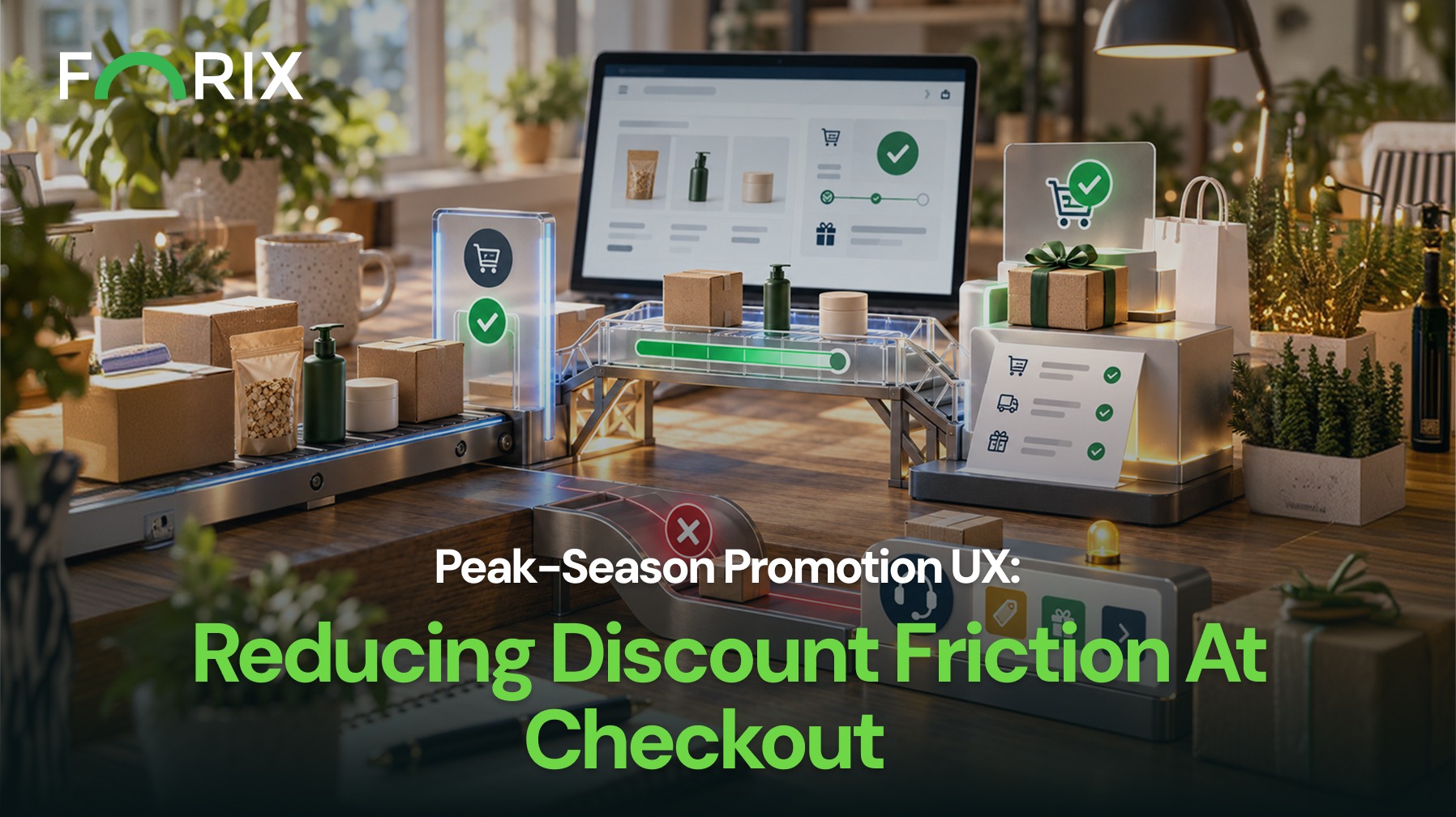
Peak-season promotions can increase purchase intent, but complex discount rules can also create checkout friction. Shoppers need to know what qualifies, which offer applies, and what they will pay.
For Magento retailers, clear promotion UX helps customers understand discounts before they reach the final step. It can also reduce support questions and pricing disputes during high-demand campaigns.
Customers should not discover key promotion rules only after trying to apply an offer.
Campaign pages, banners, product pages, and promotional messages should explain the conditions that affect eligibility. These may include:
Eligible products or categories
Minimum purchase requirements
Promotion dates
Customer-specific eligibility
Automatic or code-based discounts
Free shipping thresholds
Rules for combining offers
Detailed terms can live elsewhere. However, shoppers should understand the main requirements early.
Make Discounts Easy to Verify
Once customers reach the cart or checkout, they should be able to confirm that the expected offer was applied.
Where relevant, show:
Original price
Discounted price
Amount or percentage saved
Promotion applied
Products receiving the discount
Updated order total
Customers should not need to calculate savings themselves.
For Magento stores running several promotion types, keep pricing clear across product, cart, and checkout views. This helps shoppers verify that the same offer follows them through the journey.
Turn Promotion Errors Into Recovery Paths
A message such as “Invalid code” identifies a problem but does not explain how to fix it.
Instead, tell shoppers why the offer failed. Common reasons include an expired promotion, an excluded item, a missing threshold, an eligibility rule, or another active offer.
Then explain the next step. For example, the shopper may need to add another item, remove a conflicting discount, sign in, or choose another offer.
For Magento retailers, these recovery messages are especially useful when several pricing rules or customer conditions may affect the same cart.
Make Threshold Progress Clear
Threshold offers work best when shoppers can see their progress.
For an offer such as “Spend $100 and save $20,” show:
The current qualifying amount
How much more the shopper needs to spend
Which products count
Whether exclusions apply
If the cart changes, the message should update too.
In Magento, the displayed progress should stay aligned with the pricing and eligibility rules that decide whether the offer applies. Otherwise, shoppers may believe they qualified when the final total says otherwise.
Handle Overlapping Promotions Predictably
Peak-season campaigns may combine markdowns, sitewide discounts, loyalty offers, free shipping, and customer-specific pricing.
For Magento retailers, this can become complex when pricing rules, customer groups, or promotion conditions interact.
Before launch, define whether offers can stack, which offer takes priority, and what happens when another discount is added or removed.
Keep those rules consistent through the final order total.
Prioritize the Highest-Risk Problems
Not every promotion issue needs the same level of urgency.
Start with:
Incorrect prices or totals: Fix missing discounts, wrong totals, and inconsistent pricing first.
Purchase-blocking errors: Resolve valid codes that fail or rules that prevent checkout.
Eligibility confusion: Clarify exclusions, thresholds, and customer requirements.
Optimization opportunities: Improve progress messages and offer placement after critical issues are stable.
This keeps teams focused on the highest-impact problems.
Test Realistic Scenarios Before Launch
Promotion testing should reflect real customer behavior.
For Magento campaigns, test eligible and excluded products, carts above and below thresholds, guest and signed-in shoppers, expired codes, overlapping offers, customer-specific pricing, and mobile checkout.
Also add and remove qualifying products. Then confirm that eligibility, savings, and totals update correctly.
Measure Promotion Friction
Campaign revenue alone does not show whether the promotion experience worked well.
Review code rejection rates, abandonment after errors, threshold completion, support questions, conversion by promotion, pricing-related cancellations, and mobile checkout completion.
These signals can help teams separate a weak offer from friction in how the promotion works or appears.
Conclusion
Peak-season promotions should create value without making checkout harder to understand.
Start with incorrect totals, broken promotion logic, and purchase-blocking errors. Then improve eligibility messages, threshold progress, and other lower-risk issues.
Clear rules, visible savings, useful recovery messages, and realistic testing help shoppers verify the offer and move through checkout with more confidence.
Forix helps Magento retailers use conversion analysis, testing, and UX strategy to identify promotion friction before demand increases.
eCommerce promotion UX describes how customers discover, understand, qualify for, apply, and verify discounts throughout the shopping journey.
What promotion issues should Magento retailers prioritize first?
Incorrect prices or totals and purchase-blocking promotion errors should receive the highest priority because they directly affect customer trust and the ability to complete checkout.
How should promotional code errors be written?
The message should explain why the code was rejected and, whenever possible, tell the customer what action they can take next.
How should threshold promotions be displayed?
Show the qualifying threshold, the customer’s current progress, what counts toward the requirement, and how cart changes affect eligibility.
How should Magento retailers test promotions before peak campaigns?
Test eligible and excluded products, threshold conditions, expired codes, overlapping promotions, customer states, mobile layouts, and changes to cart contents before launch.
From flat sales to explosive sales growth - here's what happens when you partner with Forix
Partnering with Forix was hands down the best decision I’ve made for my store. The
redesign completely
transformed my site — it looks like a million dollars, yet I paid only a fraction of
what I expected.
Even better, sales started climbing almost immediately. Their process was simple,
transparent, and
focused on results. I only wish I had done it sooner.
Sarah Mitchell,Owner
“The free website report from Forix opened our eyes to issues we didn’t even know were costing us sales. The recommendations were clear, actionable, and backed by data. After implementing just a few of their suggestions, we saw a noticeable lift in conversions within weeks. Forix didn’t just give us a report—they gave us a roadmap to growth.”
Lena Hoffman, Director of eCommerce
“The redesign was exactly what my business needed. Clean, mobile-friendly, and conversion-focused. Sales are up 35% since launch.”
Ethan Carter, Founder
“Forix made our Magento to Shopify migration completely stress-free. Every product, customer record, and integration was moved accurately, and the new store’s design is sleek and user-friendly. Our team can now focus on growing sales instead of worrying about technical issues.”
Emily Rivera, Head of Digital Operations
198%
Conversion increase
32%
Transaction increase
30%
Time on site increase
28%
Conversion increase
92%
Revenue increase
87%
Engagement increase
Ready to See the Difference?
Your next big sales boost could start with our free website report. Let us show you the
untapped
potential in your store.
Complete the form below and our team will reach out to get started.
Thank you!
We’ve received your request for a free website report. Our team will be in touch shortly to gather a few details so we can begin your site analysis.
Click Here To
Get My Free Website Report Now
Claim Your FREE Webpage Design and Sell More ASAP
Complete the form below and our team will reach out to get started.
Thank you!
We’ve received your request for a free webpage design. Our team will be in touch shortly to gather a few details so we can begin your page redesign.
Click Here To
Get My Free Webpage Design Now
Claim Your FREE Migration Assessment and Sell More ASAP
Complete the form below and our team will reach out to get started.
Thank you!
We’ve received your request for a free Magento-to-Shopify migration assessment. Our team will be in touch shortly to gather a few details so we can begin building your comprehensive migration plan.
Click Here To
Get My Free Migration Assessment Now
Claim Your FREE Site Report and Sell More ASAP (a $2,000 value).
Complete the form below and our team will reach out to get started.
Thank you!
We’ve received your request for a free website report. Our team will be in touch shortly to gather a few details so we can begin your site analysis.