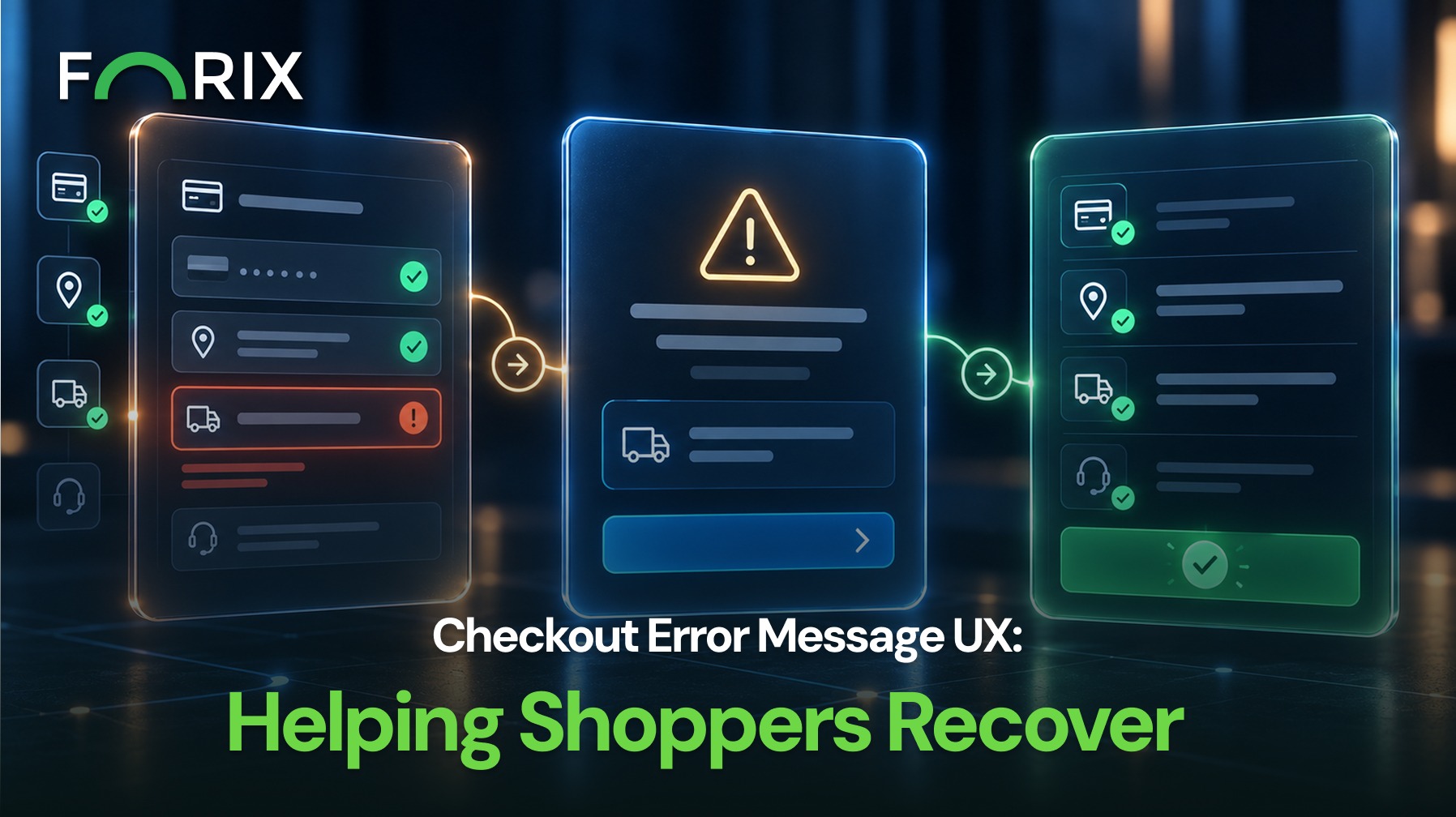
A checkout error can stop a purchase just as a shopper is ready to buy.
For Magento retailers, a good error message should explain what went wrong and show the next step. Clear guidance can help shoppers recover instead of leaving checkout.
Checkout errors can appear during address entry, shipping, promotion entry, payment, tax, or final order submission.
Each message should answer three questions:
What happened?
Where did it happen?
What should the shopper do next?
Without those answers, customers may repeat the same action, leave checkout, or contact support.
Explain the Problem Clearly
First, avoid internal codes and technical terms that shoppers may not understand.
Instead of showing “Error 104” or “Invalid input,” describe the problem:
“Enter a valid postal code.”
“Select a shipping method to continue.”
“This promotional code has expired.”
“We could not process this payment. Review your details or try another method.”
The message should be clear. It should not expose sensitive details or blame the shopper for a problem outside their control.
Place Messages Near the Problem
Next, show the message where the shopper needs it.
Field errors should appear beside the affected field. If several fields have problems, a short summary near the top can help.
For Magento checkout experiences, placement matters when address, shipping, payment, or custom checkout parts appear in the same flow.
When useful, move keyboard focus to the affected field or error summary.
Preserve Valid Information
One error should not force a shopper to repeat the whole checkout process.
Keep valid contact, shipping, billing, and delivery details when possible. If one field is wrong, preserve the rest and return the shopper to that field.
In a Magento checkout, this matters when several steps depend on information the shopper already entered.
Payment errors need extra care. Sensitive details may be cleared, but unrelated checkout information should stay available.
Give Shoppers a Clear Recovery Action
A useful error message should explain what to do next.
For example, shoppers may need to:
Correct a field
Select another shipping method
Remove an unavailable product
Try another payment method
Apply a valid promotion
Contact customer support
Use direct language that matches the action. Avoid telling shoppers to “try again later” when a better option exists.
Separate Customer Errors From System Failures
Not every checkout problem can be fixed by changing customer information.
If shipping rates fail to load or a payment service is unavailable, do not suggest that the shopper entered something wrong. Instead, explain the issue and offer another path when possible.
Magento stores may rely on several checkout services. Teams should separate field errors from problems with payment, shipping, tax, inventory, or other connected services.
Magento extensions can also create more points of failure. In each case, tell shoppers whether they can fix the problem or need another option.
Make Error Messages Accessible
Error states should not rely on color alone. Use clear text and visible indicators.
Messages should stay readable at different zoom levels. Screen readers should announce errors, and keyboard users should reach the affected field.
In addition, test on mobile so messages do not cover fields or buttons.
Monitor Repeated Checkout Errors
A clear message can help one shopper recover. However, repeated errors may reveal a larger checkout problem.
Review patterns involving payment, shipping, tax, inventory, integrations, and order submission.
For Magento teams, compare those errors with abandonment, device type, browser, payment method, and support requests. Then fix the cause as well as the message.
Test Realistic Failure Scenarios
Do not test only successful checkout journeys.
Trigger common Magento checkout errors on purpose. Then check each message. It should appear in the right place, use simple language, keep valid information, and show the next step.
Also test mobile, declined-payment, expired-promotion, unavailable-product, and integration-failure cases.
Conclusion
Checkout errors do not always need to end a purchase.
Clear language, good placement, saved information, accessible design, and useful recovery steps can help shoppers continue.
Businesses should also watch repeated failures for larger technical or process issues.
Forix helps Magento brands identify and resolve checkout friction across UX, analytics, integrations, and performance.
From flat sales to explosive sales growth - here's what happens when you partner with Forix
Partnering with Forix was hands down the best decision I’ve made for my store. The
redesign completely
transformed my site — it looks like a million dollars, yet I paid only a fraction of
what I expected.
Even better, sales started climbing almost immediately. Their process was simple,
transparent, and
focused on results. I only wish I had done it sooner.
Sarah Mitchell,Owner
“The free website report from Forix opened our eyes to issues we didn’t even know were costing us sales. The recommendations were clear, actionable, and backed by data. After implementing just a few of their suggestions, we saw a noticeable lift in conversions within weeks. Forix didn’t just give us a report—they gave us a roadmap to growth.”
Lena Hoffman, Director of eCommerce
“The redesign was exactly what my business needed. Clean, mobile-friendly, and conversion-focused. Sales are up 35% since launch.”
Ethan Carter, Founder
“Forix made our Magento to Shopify migration completely stress-free. Every product, customer record, and integration was moved accurately, and the new store’s design is sleek and user-friendly. Our team can now focus on growing sales instead of worrying about technical issues.”
Emily Rivera, Head of Digital Operations
198%
Conversion increase
32%
Transaction increase
30%
Time on site increase
28%
Conversion increase
92%
Revenue increase
87%
Engagement increase
Ready to See the Difference?
Your next big sales boost could start with our free website report. Let us show you the
untapped
potential in your store.
Complete the form below and our team will reach out to get started.
Thank you!
We’ve received your request for a free website report. Our team will be in touch shortly to gather a few details so we can begin your site analysis.
Click Here To
Get My Free Website Report Now
Claim Your FREE Webpage Design and Sell More ASAP
Complete the form below and our team will reach out to get started.
Thank you!
We’ve received your request for a free webpage design. Our team will be in touch shortly to gather a few details so we can begin your page redesign.
Click Here To
Get My Free Webpage Design Now
Claim Your FREE Migration Assessment and Sell More ASAP
Complete the form below and our team will reach out to get started.
Thank you!
We’ve received your request for a free Magento-to-Shopify migration assessment. Our team will be in touch shortly to gather a few details so we can begin building your comprehensive migration plan.
Click Here To
Get My Free Migration Assessment Now
Claim Your FREE Site Report and Sell More ASAP (a $2,000 value).
Complete the form below and our team will reach out to get started.
Thank you!
We’ve received your request for a free website report. Our team will be in touch shortly to gather a few details so we can begin your site analysis.