Product bundles can make shopping easier by grouping related items into one purchase. However, they also add more decisions. Shoppers may need to review included products, options, pricing, compatibility, and availability before they add the bundle to cart.
For Magento retailers, unclear bundle UX can lead to abandoned configurations, support questions, incorrect purchases, and returns.
Discover how Forix’s Design and Strategy services help Magento retailers make complex product and merchandising experiences easier to understand.
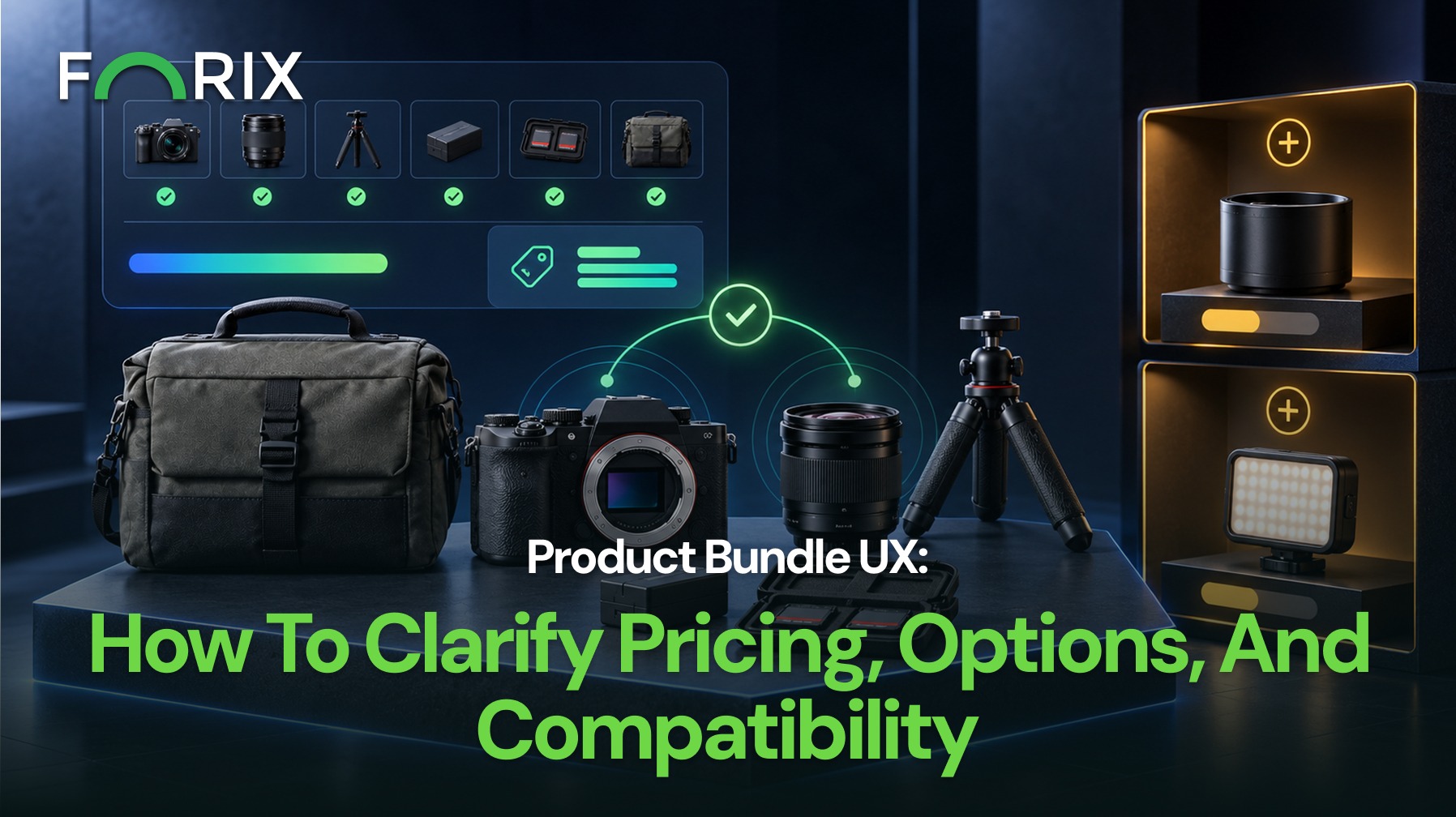
Make Bundle Contents and Options Explicit
Customers should quickly understand what the bundle includes and which selections they can change.
Clearly show:
Each included product
Quantity
Product image
Selected variation
Availability
Required or optional status
Do not rely on a lifestyle image or bundle name to explain what shoppers will receive.
For customizable Magento bundles, separate required and optional choices. Clear selection states show what is complete and what still needs attention.
If a required choice is missing, identify that selection instead of showing a generic configuration error.
Make Pricing and Savings Easy to Verify
Customers should understand both the total bundle price and the value of buying the products together.
If savings are promoted, make the calculation clear:
Bundle price: $75
Purchased separately: $90
Bundle savings: $15
Pricing should update when shoppers change eligible options.
For Magento stores with configurable bundle pricing, those changes should remain easy to follow as shoppers adjust components or variations.
Also account for sale prices, customer-specific pricing, subscriptions, or promotions. If another discount cannot be combined with the bundle, explain that before checkout.
Prevent Incompatible Configurations
Compatibility matters when bundled products must work together.
Requirements may involve models, sizes, materials, accessories, or shopper-selected configurations.
Where possible, prevent incompatible combinations.
If compatibility cannot be checked automatically, explain what the shopper needs to verify and provide relevant specifications or support.
A bundle should reduce decision effort, not create problems after purchase.
Keep Pricing, Availability, and Options Synchronized
Changing one component can affect the rest of the bundle.
When shoppers update a selection, make sure the page also updates the selected option, bundle price, savings, availability, and delivery information.
For Magento retailers managing complex catalogs, these details should stay synchronized as shoppers configure the bundle.
If one component becomes unavailable, explain whether shoppers can choose an alternative or whether the whole bundle is unavailable.
Never replace an unavailable item without telling the shopper.
Explain Why the Products Belong Together
A bundle should communicate more than the fact that several items are sold together.
Explain how the products work together, what problem the bundle solves, or why buying the combination is easier than selecting each item separately.
This gives shoppers a clearer reason to consider the bundle as a solution.
Prioritize Bundle UX Problems by Purchase Risk
Not every issue needs the same urgency.
Start with incorrect contents or pricing. Wrong products, quantities, prices, or savings can create purchase confusion.
Next, address compatibility or configuration failures. Invalid combinations and missing selections can stop shoppers from completing the bundle.
Then review availability mismatches. A bundle should not appear purchasable when a required component is unavailable.
Once those risks are stable, Magento teams can improve imagery, hierarchy, supporting copy, and merchandising.
Preserve Bundle Context Through the Cart
Important bundle information should remain clear after the shopper adds the configuration to cart.
Preserve the bundle name, included products, quantities, selected variations, and pricing.
For Magento bundle purchases, the cart should also make clear whether shoppers can edit individual components or must change the bundle as one unit.
Consistent information between the product page and cart reduces the need to return to the PDP just to verify selections.
Measure Bundle Performance
Review bundle performance beyond total sales.
Useful signals include selection completion, add-to-cart rate, configuration abandonment, compatibility errors, cart removals, average order value, support questions, and returns linked to incorrect expectations.
Fixed and customizable bundles may create different types of friction, so review them separately when appropriate.
Conclusion
Effective product bundle UX makes complex purchases easier to understand and complete.
Start with the highest-risk issues: incorrect contents or pricing, incompatible configurations, and availability mismatches. Then improve presentation, merchandising, and supporting guidance.
Clear pricing, understandable options, compatible selections, synchronized availability, and consistent cart information help shoppers know what they are buying.
Forix helps Magento retailers design clearer product experiences for complex catalogs, configurations, and purchase decisions.
Product bundle UX is the experience customers use to understand, configure, evaluate, and purchase multiple products offered together.
What should a Magento product bundle page show?
A product bundle page should clearly show included products, quantities, configuration options, pricing, savings, availability, and relevant compatibility requirements.
How should bundle pricing and savings be displayed?
Show the current bundle price alongside the current eligible cost of purchasing the included products separately so shoppers can verify the advertised savings.
How should Magento customizable product bundles work?
Required and optional selections should be clearly separated. Pricing, images, availability, and compatibility information should update as customers change their options.
How can retailers measure product bundle UX?
Review selection completion, add-to-cart rate, configuration abandonment, validation errors, cart removals, support questions, average order value, and returns related to incorrect expectations.
From flat sales to explosive sales growth - here's what happens when you partner with Forix
Partnering with Forix was hands down the best decision I’ve made for my store. The
redesign completely
transformed my site — it looks like a million dollars, yet I paid only a fraction of
what I expected.
Even better, sales started climbing almost immediately. Their process was simple,
transparent, and
focused on results. I only wish I had done it sooner.
Sarah Mitchell,Owner
“The free website report from Forix opened our eyes to issues we didn’t even know were costing us sales. The recommendations were clear, actionable, and backed by data. After implementing just a few of their suggestions, we saw a noticeable lift in conversions within weeks. Forix didn’t just give us a report—they gave us a roadmap to growth.”
Lena Hoffman, Director of eCommerce
“The redesign was exactly what my business needed. Clean, mobile-friendly, and conversion-focused. Sales are up 35% since launch.”
Ethan Carter, Founder
“Forix made our Magento to Shopify migration completely stress-free. Every product, customer record, and integration was moved accurately, and the new store’s design is sleek and user-friendly. Our team can now focus on growing sales instead of worrying about technical issues.”
Emily Rivera, Head of Digital Operations
198%
Conversion increase
32%
Transaction increase
30%
Time on site increase
28%
Conversion increase
92%
Revenue increase
87%
Engagement increase
Ready to See the Difference?
Your next big sales boost could start with our free website report. Let us show you the
untapped
potential in your store.
Complete the form below and our team will reach out to get started.
Thank you!
We’ve received your request for a free website report. Our team will be in touch shortly to gather a few details so we can begin your site analysis.
Click Here To
Get My Free Website Report Now
Claim Your FREE Webpage Design and Sell More ASAP
Complete the form below and our team will reach out to get started.
Thank you!
We’ve received your request for a free webpage design. Our team will be in touch shortly to gather a few details so we can begin your page redesign.
Click Here To
Get My Free Webpage Design Now
Claim Your FREE Migration Assessment and Sell More ASAP
Complete the form below and our team will reach out to get started.
Thank you!
We’ve received your request for a free Magento-to-Shopify migration assessment. Our team will be in touch shortly to gather a few details so we can begin building your comprehensive migration plan.
Click Here To
Get My Free Migration Assessment Now
Claim Your FREE Site Report and Sell More ASAP (a $2,000 value).
Complete the form below and our team will reach out to get started.
Thank you!
We’ve received your request for a free website report. Our team will be in touch shortly to gather a few details so we can begin your site analysis.